Product update
ASTARI 1.8.0 · Major updateA redesigned note, with more inside it
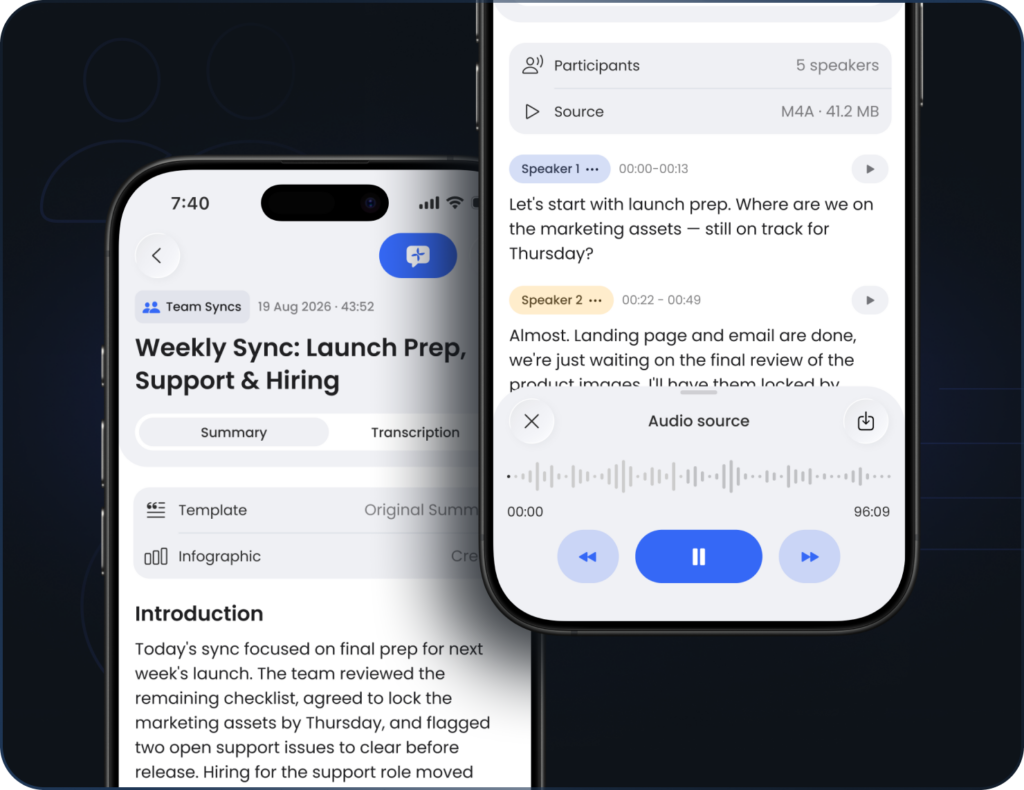
We’ve given the note screen a serious rework. The screen where you read, listen and work with a note has been rebuilt from the ground up — and it brings a handful of new ways to get more out of everything you capture.
What’s new?
A redesigned note screen
The Note Detail screen is rebuilt as a full screen, with a cleaner split between Summary and Transcription. Everything now lives on the tab it belongs to — your summary, template and infographics on one side, the audio and transcript on the other — so a note is easier to scan and quicker to work through.
Turn a note into an infographic
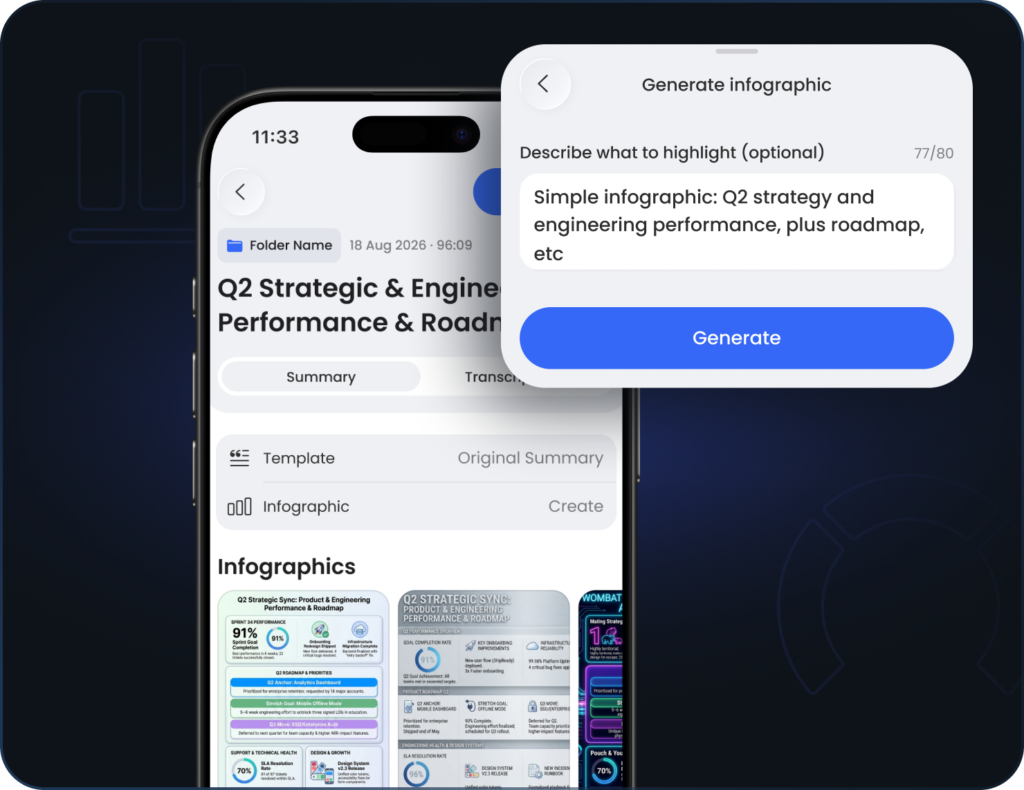
Any note can now become a shareable infographic. Tap generate, optionally say what to highlight, and Astari lays out the key points as a clean 9:16 image you can save to Photos or share. Make a few and they line up side by side.
Put names to voices
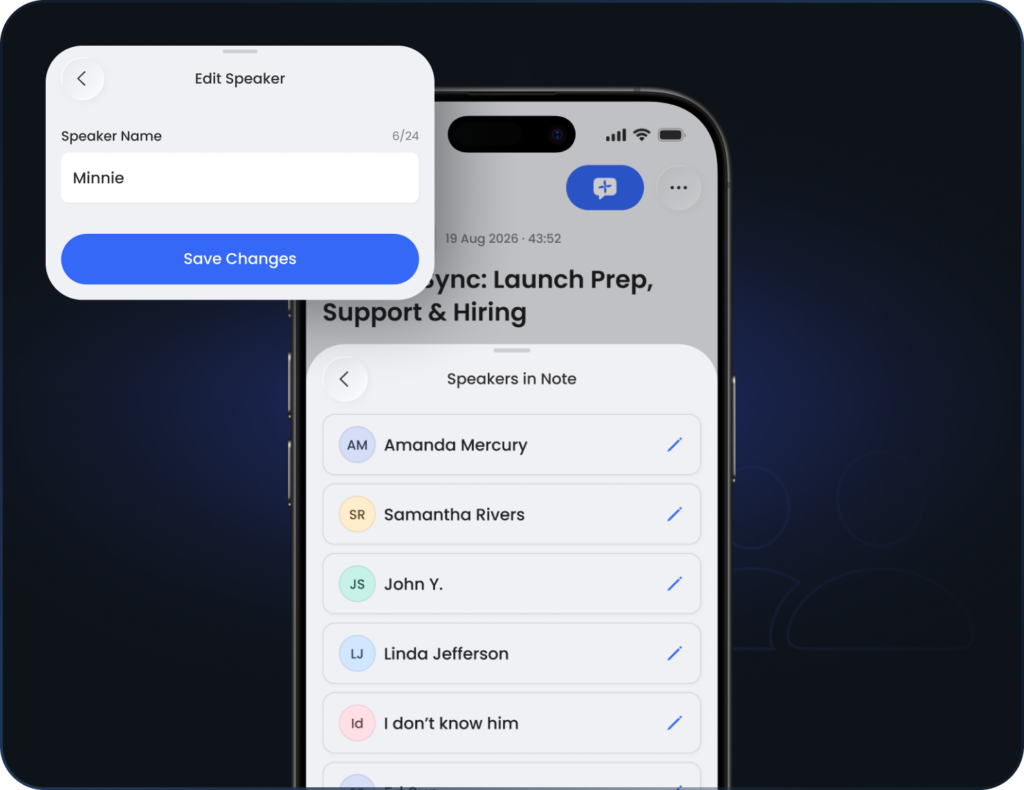
When a note has more than one speaker, you can now give each voice a name, so a transcript reads like a real conversation instead of “Speaker 1” and “Speaker 2.” Names are set within the note, right where you read it.
Move through your audio
Audio notes get full playback controls — scrub to any moment, and the transcript follows along as it plays. Tap a line in the transcript to jump straight to that point in the recording, and back again.
Preview your uploaded files
For notes made from an uploaded file, you can now open the original — a PDF, document or image — right inside the note, without leaving Astari. Save it or share it from there whenever you need the source.
Fixes and improvements
✦ Fixed a subscription sync issue so your plan and access always reflect the latest state.
✦ A range of fixes across the redesigned note screen for a smoother, steadier experience.
✦ Fixes to speaker naming so names save and display reliably.